Summary first:
• Laptop repair covers hardware fixes, data recovery, virus removal, and performance tuning for both Windows and Mac systems.
• Diagnostic checks help determine whether a device needs a repair, part replacement, or full system restoration.
• Repair timelines vary by issue, with screen, battery, and software problems generally resolved faster than motherboard-level damage.
Laptop repair refers to the diagnosis and correction of hardware or software faults in a laptop computer, ranging from cracked screens and failing batteries to virus infections and slow performance. Most repair providers begin with a diagnostic assessment before recommending a fix, since symptoms like freezing or overheating can stem from several different causes.
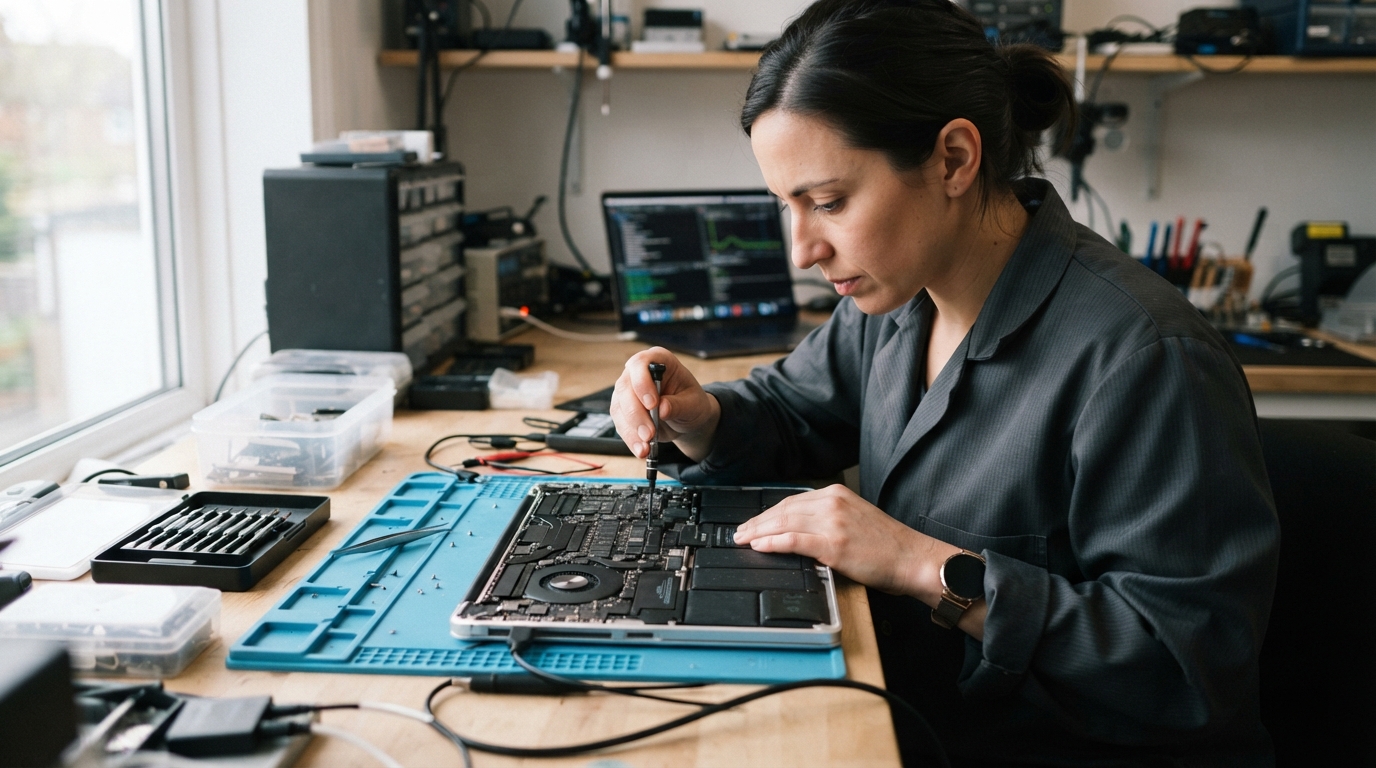
Professional Laptop Repair typically addresses both physical damage and software-level issues, including broken screens, keyboard malfunctions, battery replacement, virus and malware removal, and data recovery from failing drives. Technicians generally start by isolating whether a problem originates from hardware components or from the operating system itself, since the repair path differs significantly between the two.
Common Laptop Problems and What They Signal
Laptops exhibit a range of warning signs before failing completely, and recognizing them early can prevent more costly repairs later.
• Slow startup or freezing : Often tied to a failing hard drive, insufficient memory, or malware buildup.
• Overheating or fan noise : Usually indicates dust accumulation, thermal paste degradation, or a failing cooling fan.
• Battery draining quickly : Points to battery wear, background software processes, or charging port damage.
• Cracked or flickering screen : Typically requires a physical screen replacement rather than a software fix.
• Unresponsive keyboard or trackpad : May involve liquid damage, worn connectors, or driver conflicts.
Humidity and salt air in coastal regions like Fort Lauderdale, FL can accelerate corrosion on internal components, making routine cleaning and inspection more relevant for laptop owners in this climate.
How Diagnostic and Repair Processes Typically Work
A structured diagnostic process helps technicians identify the actual cause of a malfunction rather than guessing based on surface symptoms.
1. Initial inspection : Visual check for physical damage, liquid exposure, or loose components.
2. Software diagnostics : Running system checks to rule out driver errors, malware, or corrupted files.
3. Hardware testing : Checking battery health, RAM function, storage drive status, and port connectivity.
4. Repair or replacement : Addressing the identified issue, whether that involves part replacement or software repair.
5. Post-repair testing : Confirming the laptop operates normally under typical use conditions.
The National Institute of Standards and Technology publishes general guidance on data handling and device security practices that can inform how users protect information during repair or data transfer processes.
Repair Options Compared
Different laptop issues call for different repair approaches, and understanding the general scope of each helps set realistic expectations.
| Issue Type | Typical Repair Approach | Relative Turnaround |
| Screen damage | Panel replacement | Same day to a few days |
| Battery failure | Battery replacement | Same day to a few days |
| Virus or malware | System cleanup and software restoration | A few days |
| Motherboard or logic board failure | Component-level repair or replacement | Several days to longer |
Turnaround times depend on part availability and the complexity of the underlying fault, and some issues may require ordering a specific component before work can proceed.
Business Info
Based in Hollywood, FL, All Computer Techniques serves customers across Fort Lauderdale, FL, addressing laptop and computer repair needs reported through its Google Business Profile listing.
Frequently Asked Questions
How long does a typical laptop repair take? Simple issues like battery replacement or software cleanup are often completed within a day or two, while hardware problems involving internal components, such as a damaged motherboard, can take longer depending on part availability.
Can data be recovered from a laptop that will not turn on? In many cases, data recovery is possible even when a laptop fails to power on, since the storage drive can sometimes be accessed separately, though success depends on the extent of hardware damage.
Is it worth repairing an older laptop? Whether a repair is worthwhile generally depends on the laptop’s age, the cost of the specific fix, and whether the device still meets the user’s performance needs compared to replacing it.
What causes a laptop to overheat frequently? Overheating is commonly linked to dust buildup inside the cooling system, degraded thermal paste, or a fan that is no longer functioning at full capacity.
Looking Into Local Repair Resources
Reliable repair information helps laptop owners make informed decisions before committing to a specific fix or provider.
Current service details for All Computer Techniques are published for the local service area.